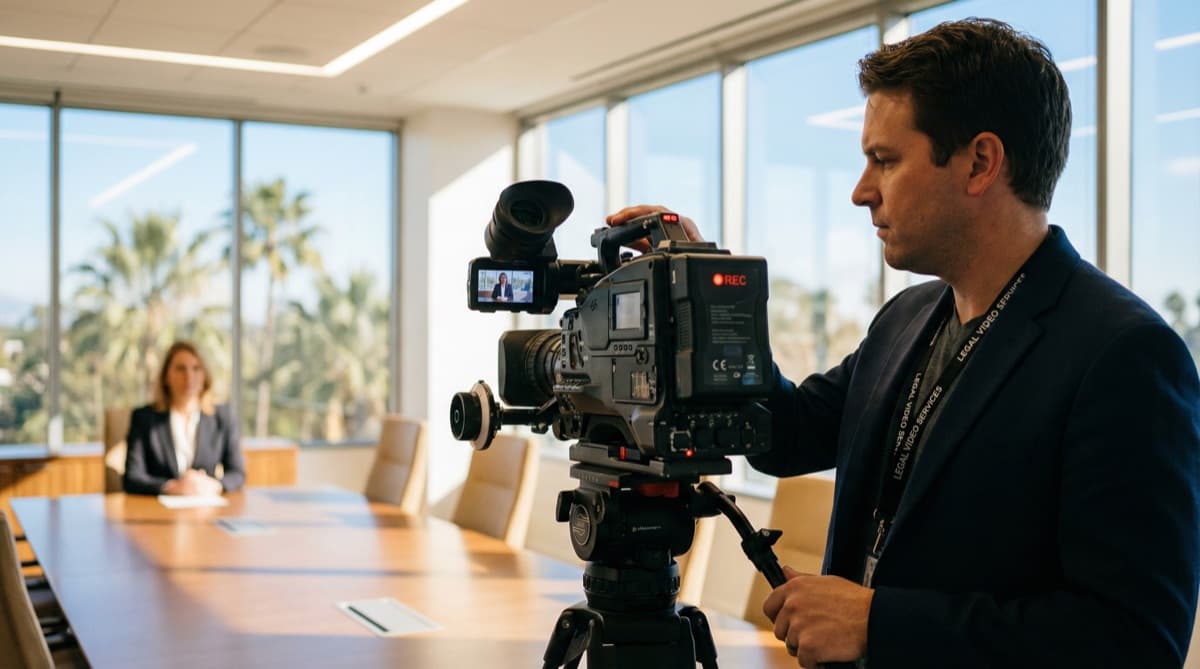
Remote Exhibit Handling: Guide for Florida Attorneys
I want you to think back to the last time you took a remote deposition involving a complex, 50-page commercial lease agreement. You are on Zoom. You ask the witness to turn to page 14, paragraph 3. The witness squints at their screen, scrolls furiously, and says, "I don't see that." Opposing counsel
Yasmin Morshedian
Founder & CEO, YM Legal Services
I want you to think back to the last time you took a remote deposition involving a complex, 50-page commercial lease agreement. You are on Zoom. You ask the witness to turn to page 14, paragraph 3. The witness squints at their screen, scrolls furiously, and says, "I don't see that." Opposing counsel interjects, "Which version of the exhibit are we looking at?"
For the next ten minutes, the deposition grinds to a halt while three highly paid professionals try to figure out how to share a PDF. According to the National Center for State Courts, courts across the country have identified exhibit management as one of the top technical challenges in remote proceedings (NCSC, 2023). If you are a litigator in Florida, this scenario is probably painfully familiar. It is also completely avoidable.
Key Takeaways
- Zoom's "Share Screen" function is a presentation tool, not a court-admissible exhibit management strategy
- Secure, centralized exhibit platforms let the court reporter control document introduction so all participants view the identical authenticated file
- Digital annotations must be permanently captured, stamped with exhibit number and date, and saved as unalterable files
- Pre-loading exhibits to a secure environment 24-48 hours before the deposition eliminates version confusion and wasted time
For the foundational guide on conducting proceedings via video, see our remote depositions guide for Florida.
Why Does Zoom's Share Screen Fail for Deposition Exhibits?
The basic screen-sharing function built into Zoom and similar platforms was designed for corporate presentations, not formal discovery. A 2024 ABA survey found that 68% of attorneys reported at least one technical disruption during a remote deposition in the prior year (ABA, 2024). The root cause is almost always the same: attorneys are using consumer-grade tools for a litigation-grade task.
When I was working as a paralegal before founding YM Legal Services, I watched attorneys spend thousands of dollars on expert witness time, only to have the entire proceeding derailed because the court reporting agency had no standardized, court-admissible protocol for handling digital exhibits.
The Three Core Problems with Screen Sharing
First, screen sharing is one-directional. The presenting attorney controls what everyone sees, but there is no verification that all participants are viewing the exact same authenticated document. A witness could be looking at a downloaded copy they received by email. Opposing counsel could be reading from a different version entirely.
Second, screen sharing provides no access control. You cannot prevent participants from downloading, screenshotting, or redistributing the document. For confidential materials subject to protective orders, this is a serious compliance gap.
Third, annotations made during screen sharing rarely save to the underlying document. They exist as temporary overlays that vanish the moment you stop sharing. That circled signature or highlighted clause? Gone from the record.
Learn more about our court reporting services, which include integrated exhibit management for both in-person and remote proceedings.
Citation Capsule: The National Center for State Courts identified exhibit management as one of the top technical challenges in remote proceedings, with courts across the country reporting that inadequate document-sharing protocols are a leading cause of delays and transcript gaps during virtual hearings (NCSC — Remote Court Proceedings Best Practices).
How Do Secure Exhibit Platforms Actually Work?
Dedicated legal exhibit platforms solve every problem that screen sharing creates. According to Florida Rule of Civil Procedure 1.310, depositions must produce a record that is accurate and complete (Florida Courts). A proper exhibit platform is built specifically to meet that standard.
Here is how the process works when done correctly.
Pre-Deposition Setup
Before the deposition, the taking attorney uploads all potential exhibits to a secure, cloud-based exhibit room. This environment is password-protected, access-logged, and encrypted. Each document receives a unique hash identifier that ensures file integrity throughout the proceeding.
We recommend completing this upload at least 24-48 hours before the deposition. This gives the court reporting team time to verify file formats, confirm readability, and organize exhibits in the order the attorney expects to introduce them.
Over the years, I have seen attorneys try to upload 200-page exhibit sets five minutes before go-time. It never works. The technical setup is just as important as your substantive preparation.
Live Exhibit Introduction
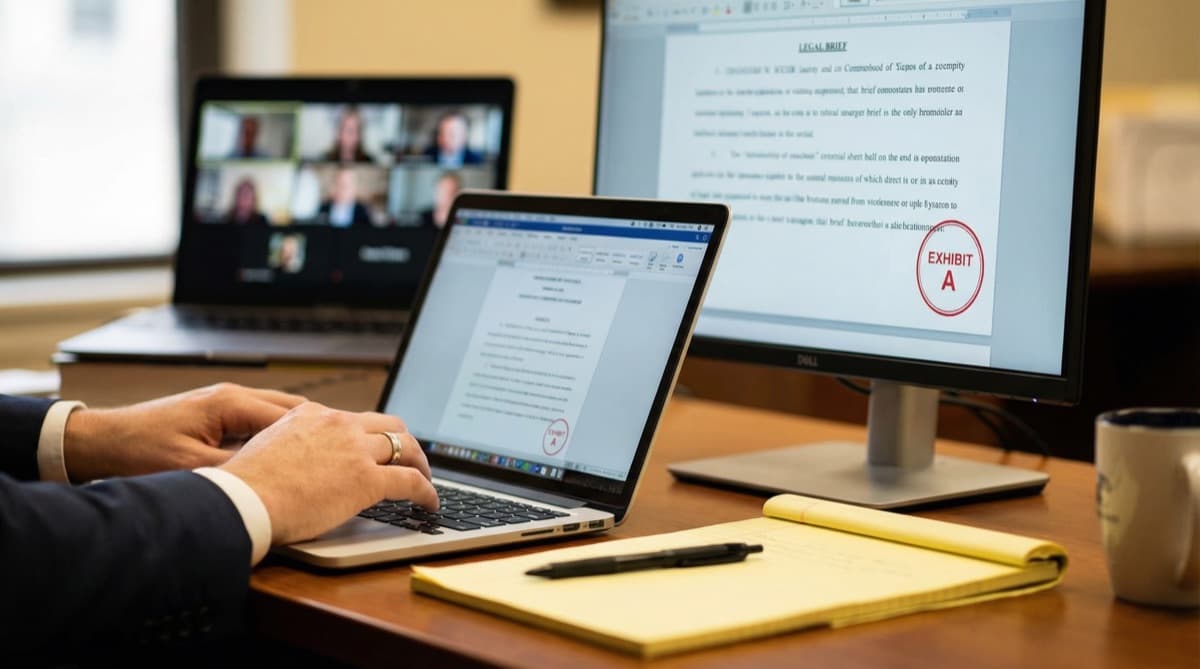
During the proceeding, the court reporter acts as the neutral officer controlling document introduction. When you call for Exhibit A, the reporter pushes that specific, authenticated file to the screens of all participants simultaneously. Everyone sees the same document, at the same time, with no ambiguity about which version is on screen.
This is fundamentally different from an attorney sharing their own screen. The reporter functions as a gatekeeper, maintaining the integrity of the record the same way they would in a physical deposition room when handling paper exhibits.
What Makes Digital Annotations Court-Admissible?
In a physical deposition, you hand the witness a pen and ask them to circle a specific signature or highlight a disputed clause. The annotated document becomes part of the record. In a remote setting, the standard must be equally rigorous, or the annotations are worthless.
The American Bar Association's Formal Opinion 477R emphasizes that attorneys have an ethical obligation to ensure the security and integrity of electronic communications related to client matters (ABA). Exhibit annotations fall squarely within this obligation.
What "Court-Admissible" Annotation Requires
For a digital annotation to hold up, it needs three things. The annotation must be captured permanently on the document, not as a temporary overlay. It must be digitally stamped by the court reporter with the exhibit number, date, and case identifier. And it must be saved as a discrete, unalterable file that becomes part of the official record.
Consumer-grade annotation tools on Zoom, Teams, or Google Meet do not meet any of these requirements. They produce temporary markings that disappear when the session ends. Even if you screenshot the annotation, a screenshot is not an authenticated exhibit.
What surprises many attorneys is that the annotation itself needs its own chain of custody. It is not enough for the witness to mark the document. The reporter must capture, stamp, and lock that marked version in real time. Any delay between the annotation and the stamp creates a gap that opposing counsel can exploit.
How Professional Annotation Tools Differ
Legal-grade exhibit platforms provide witnesses with precise, intuitive annotation tools. When a witness circles a signature or highlights a paragraph, the annotation renders directly onto the document. The court reporter stamps it immediately, and the system saves an unalterable version. The original, unmarked document remains preserved alongside the annotated version.
This dual-file approach is critical. You need both the clean original and the annotated version in the record. If you only have the annotated version, opposing counsel can argue the markings were made after the fact.
Once exhibits are properly marked and the record is finalized, our AI transcript summaries can extract key admissions tied to specific exhibits for faster case preparation.
How Does Official Exhibit Stamping Work in a Remote Environment?
A digital exhibit is not an official exhibit until it is marked by the reporter. This is true whether you are in a physical conference room or on a video call. But the mechanics of stamping in a remote environment are completely different, and most generic software cannot handle them properly.
Think about what a reporter is doing during a live deposition. They are producing a verbatim transcript in real time. They are monitoring audio quality. They are tracking speaker identification. Asking that same reporter to also navigate a separate PDF application, locate the correct document, apply a digital stamp, and save the file, all while continuing to write the record, is unrealistic with generic software.
The Integrated Stamping Workflow
Purpose-built exhibit management software integrates stamping directly into the reporter's workflow. With a single action, the official exhibit sticker, customized with the case caption, exhibit number, date, and reporter identification, is permanently embedded into the digital file. The stamped version is saved automatically, and the record reflects the exact moment the exhibit was marked.
This is not a cosmetic detail. The stamp establishes chain of custody. If the digital file can be altered after stamping, or if the stamp can be removed, the exhibit's integrity is compromised. Proper systems produce tamper-evident files where any post-stamp modification is detectable.
For a broader look at how remote proceedings work under Florida rules, see our complete remote depositions guide.
Citation Capsule: Florida Rule of Civil Procedure 1.310 requires depositions to produce a record that is accurate and complete—a standard that applies equally to exhibits introduced during remote proceedings, making proper digital stamping and authenticated file management a compliance requirement, not merely a best practice (Florida Rule of Civil Procedure 1.310).
What Should Florida Attorneys Ask Their Court Reporting Agency?
Before you book your next remote deposition, ask your agency these five questions. The answers will tell you immediately whether they are equipped for proper exhibit handling or whether they are just going to hand you a Zoom link.
Five Questions That Separate Professional Agencies from the Rest
-
Do you use a dedicated exhibit management platform, or do you rely on Zoom's share screen? If the answer is share screen, you are accepting unnecessary risk.
-
Can the court reporter control exhibit introduction, or does the attorney share their own screen? Reporter-controlled introduction is the standard for maintaining an accurate record.
-
How are annotations captured and preserved? The answer should involve permanent embedding, digital stamping, and unalterable file saves.
-
Where are exhibit files stored, and what encryption is used? Look for SOC 2 compliant infrastructure and AES-256 encryption at minimum.
-
What is the backup plan if the exhibit platform experiences a technical failure? A professional agency will have redundancy protocols, not a shrug.
In our experience handling remote depositions across South Florida, attorneys who pre-load exhibits and use a dedicated platform save an average of 15-20 minutes per deposition compared to those relying on ad hoc screen sharing. Over a multi-day case, that time savings translates directly into reduced expert witness costs and faster proceedings.
For tips on booking reporters who are experienced with exhibit-heavy proceedings, see our guide to scheduling a court reporter in South Florida.
How Can You Prepare Exhibits for Maximum Efficiency?
The technology exists to make remote exhibit handling as reliable, and often more efficient, than a physical deposition. But the technology only works if you prepare properly. Here is a practical checklist.
Pre-Deposition Exhibit Checklist
Name every file with a clear, sequential convention (e.g., "Exhibit_001_Lease_Agreement.pdf"). Remove password protections from individual files before uploading, as they interfere with the platform's ability to display and stamp documents. Convert all exhibits to PDF format. Word documents, spreadsheets, and image files should be rendered as PDFs before upload.
Organize your exhibits in the anticipated order of introduction. Provide the reporter with a brief exhibit list that includes a short description of each document. This allows the reporter to queue exhibits in advance and introduce them without delay when you call for them on the record.
If any exhibits contain confidential information subject to a protective order, flag them during upload. The platform can restrict access to those documents until the appropriate foundation is laid on the record.
During the Deposition
Do not rush through exhibit introductions. Give the witness time to review the document on screen before asking substantive questions. Confirm on the record that the witness can see the exhibit clearly and that it matches the description you provided.
When requesting annotations, be specific. "Please circle the signature on the bottom right of page 3" is far better than "Can you mark that for us?" Specificity produces a cleaner record and reduces the chance of confusion during transcript review.
To understand how digital and stenographic reporters handle exhibits differently, see our comparison of court reporter vs. digital recording.
The transition to remote depositions was abrupt, and the industry largely settled for the lowest common denominator. But the tools for doing this correctly have matured significantly. The question is whether your court reporting agency has matured with them.
When you book with YM Legal Services at (954) 334-1092, you are not getting a Zoom link. You are getting a technically sound, court-admissible framework for managing your most critical evidence. Stop fighting with PDFs and start focusing on the testimony.
Need professional exhibit management for your next remote deposition? Schedule with YM Legal Services, and we will establish the secure environment before the first question is asked.
Related Reading: The Complete Guide to Remote Depositions in Florida | Court Reporter vs. Digital Recording: Which is Right for Your Case? | How to Schedule a Court Reporter in South Florida
Frequently Asked Questions
Why is Zoom's Share Screen insufficient for deposition exhibits?
Share Screen is a one-directional presentation tool. It does not verify that all participants are viewing the same authenticated document, does not prevent unauthorized downloads, and does not provide a mechanism for court-admissible annotation or digital stamping by the court reporter.
How does a secure exhibit platform work during a remote deposition?
The taking attorney uploads all potential exhibits to a centralized, secure environment before the deposition. During the proceeding, the court reporter controls document introduction, pushing each authenticated file to all participant screens simultaneously when called for. This eliminates version confusion and maintains chain of custody.
Are digital annotations on exhibits admissible in Florida courts?
Yes, provided the annotations are captured permanently, digitally stamped by the court reporter with the exhibit number and date, and saved as a discrete, unalterable file that becomes part of the official record. Consumer-grade annotation tools on standard video platforms typically do not meet this standard.
How far in advance should I prepare exhibits for a remote deposition?
We recommend uploading all potential exhibits to the secure platform at least 24-48 hours before the proceeding. This allows our team to verify file integrity, establish the digital exhibit room, and ensure all technical configurations are in place before the deposition begins.
What happens if there is a technical failure during exhibit presentation?
A qualified court reporting agency will have redundancy protocols in place, including backup copies of all exhibits, secondary sharing methods, and a trained operator managing the technology so the reporter can focus entirely on the record.